Education & e-learning · Online · 2026
- My own product
- In development
AI study plans that start from what you already know
A learning app that tests what you already know, then has Claude build a step-by-step study schedule that fits your level, your weekly hours and your deadline.
This is my own product, not a client engagement.
It's in development and not launched yet. Screenshots use its built-in demo learner.
- Product
- Learn (my own)
- Industry
- Education & e-learning
- Location
- Online
- My role
- Product design and build
- Year
- 2026
- Status
- In development
By Joshua Jager-Hoare · Updated
The brief
Most online courses give everyone the same path. If you already know half the material you sit through it anyway, and if you have five hours a week and an exam in two months, nobody plans backwards from that date for you.
I wanted a plan that starts from what one person actually knows, fits the time they actually have, and gets more personal the more they use it.
What I built, and why
A diagnostic before any plan
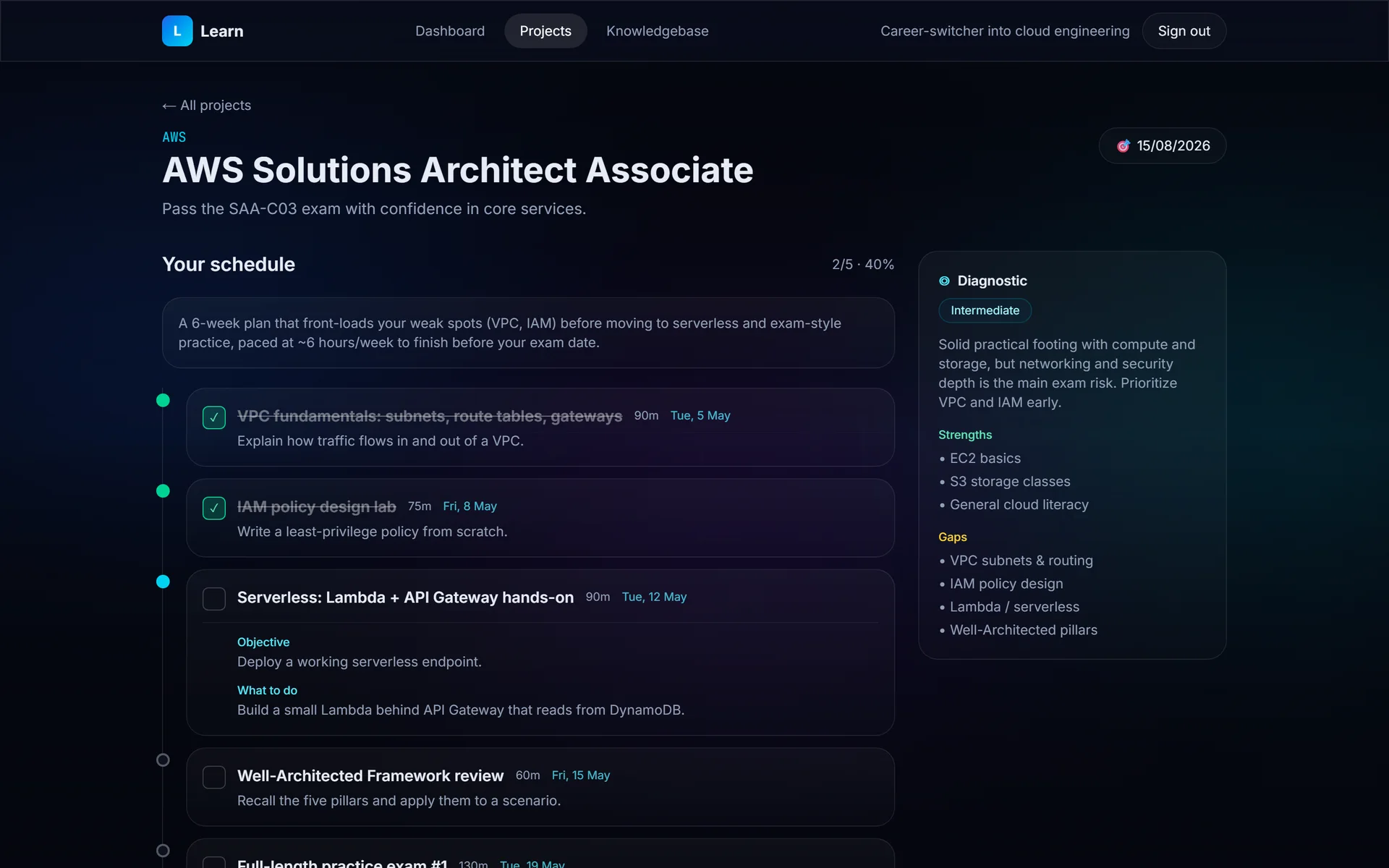
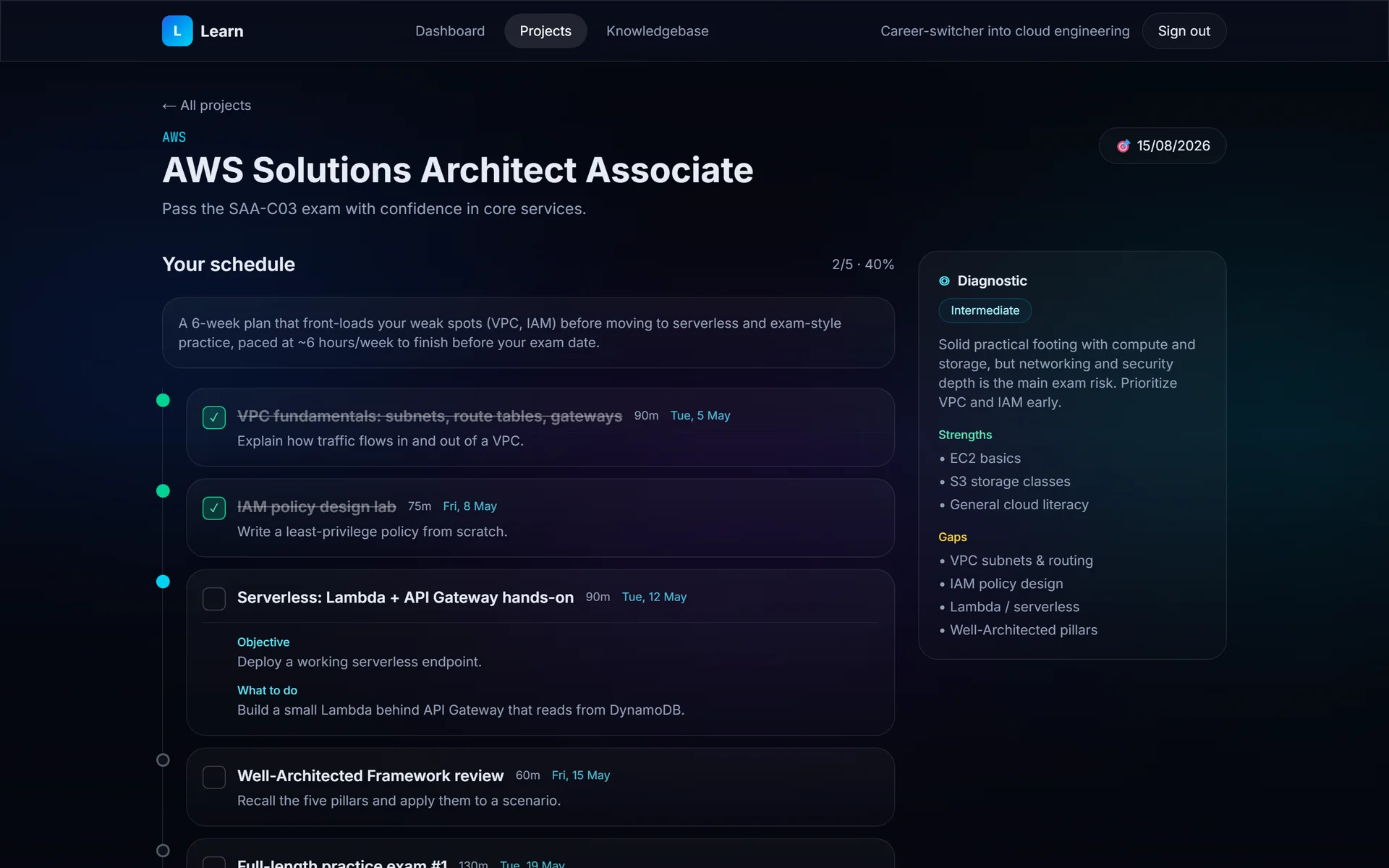
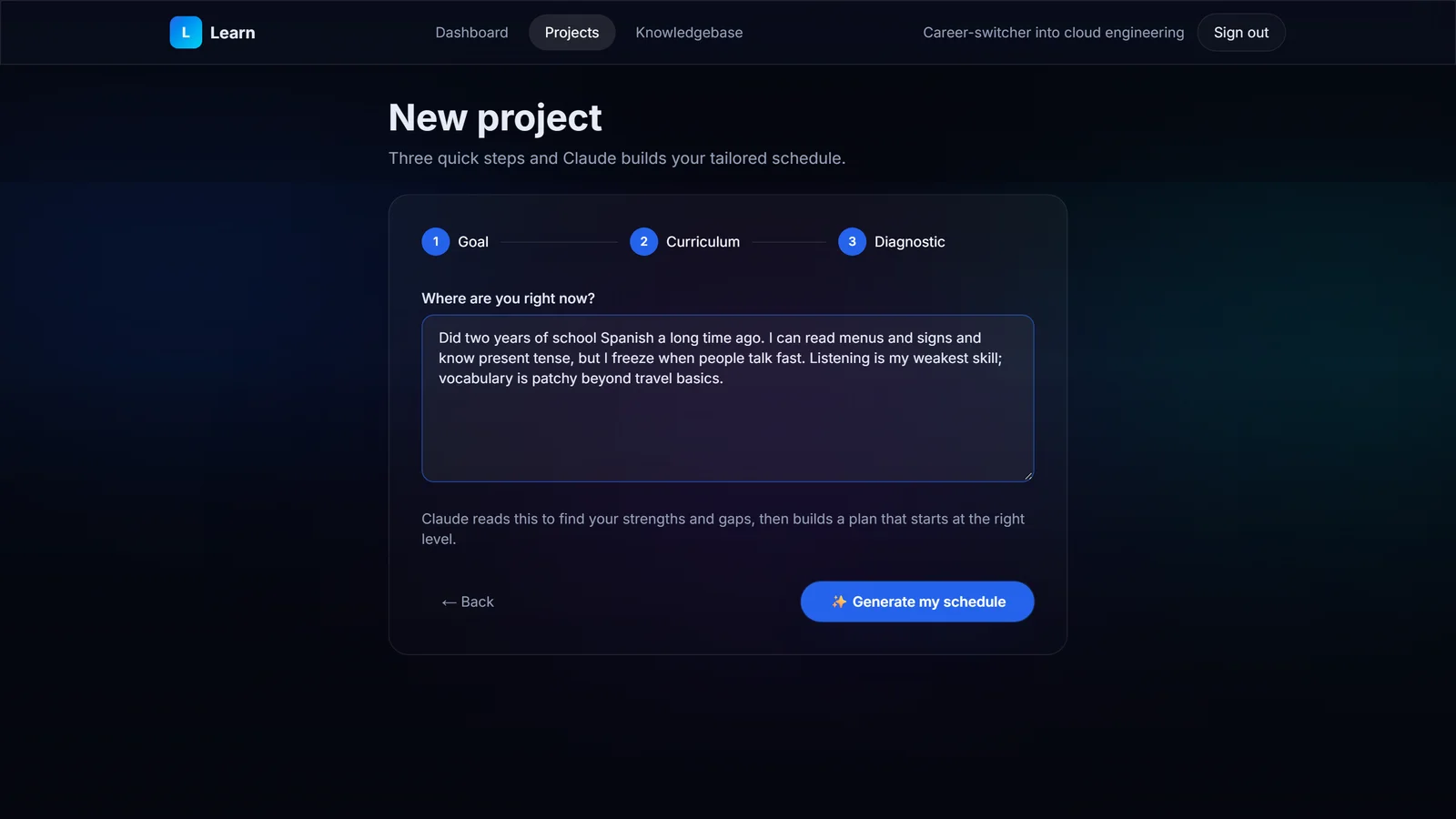
A learner creates a project with a goal, an optional deadline and, if they have one, a curriculum or syllabus to paste in. A short diagnostic comes next: the learner describes what they know, and Claude turns that into strengths, gaps and a level estimate.
That's what lets the schedule begin at the right difficulty instead of at chapter one.
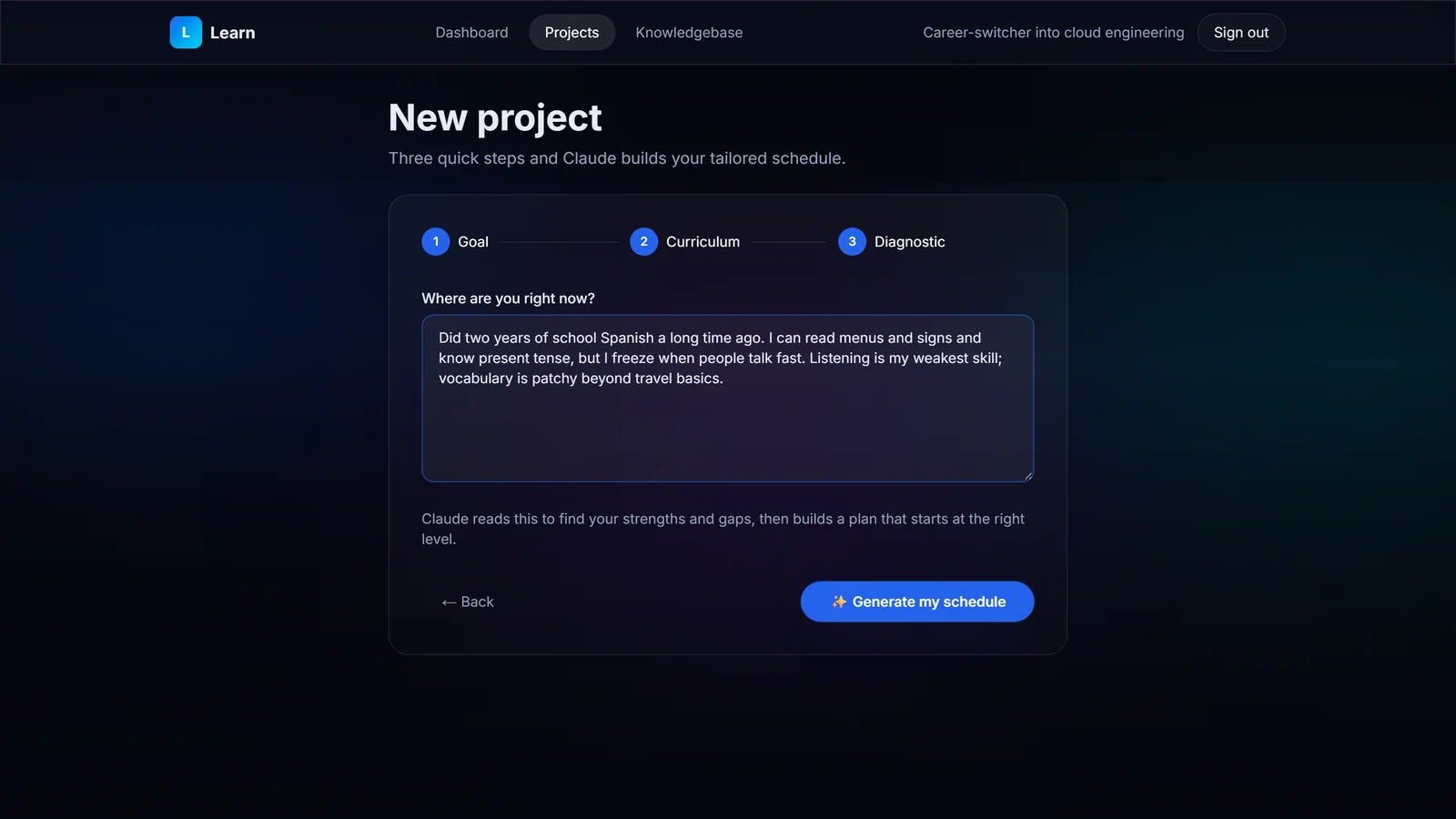
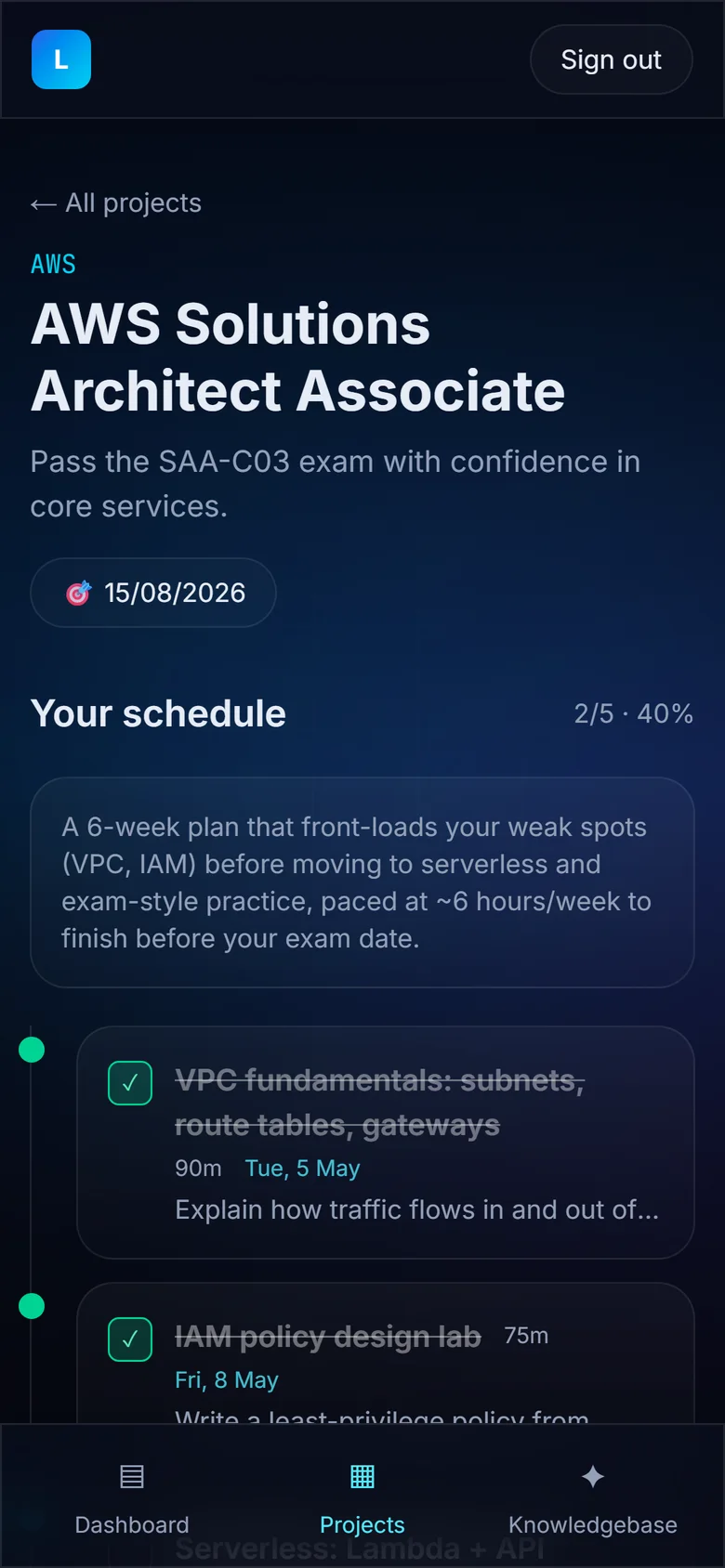
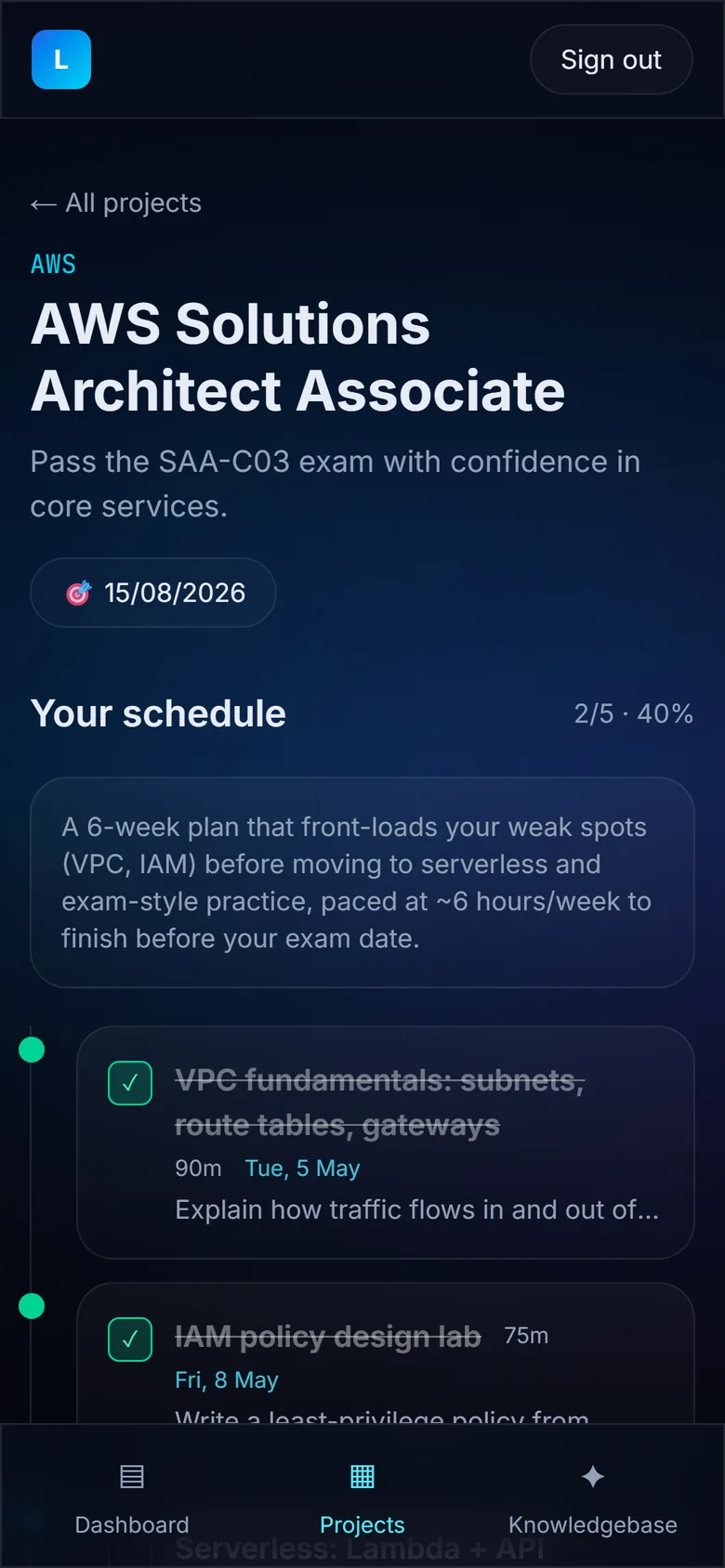
A short diagnostic finds what you already know. Demo data.View full size: A short diagnostic finds what you already know. Concrete, dated steps, paced to real hours
Claude generates 8 to 20 ordered, time-boxed steps, scheduled forward from today within the learner's weekly hours and finishing on or before the target date. Each step has an objective, instructions, resources, an estimated time and a date.
I told it to prefer concrete steps (“build a CLI to-do app using lists and loops”) over vague ones (“learn Python basics”). And one rule lives in the AI layer: the server supplies today's date to the prompt, so schedules can't drift onto the wrong days.
A knowledgebase that carries across projects
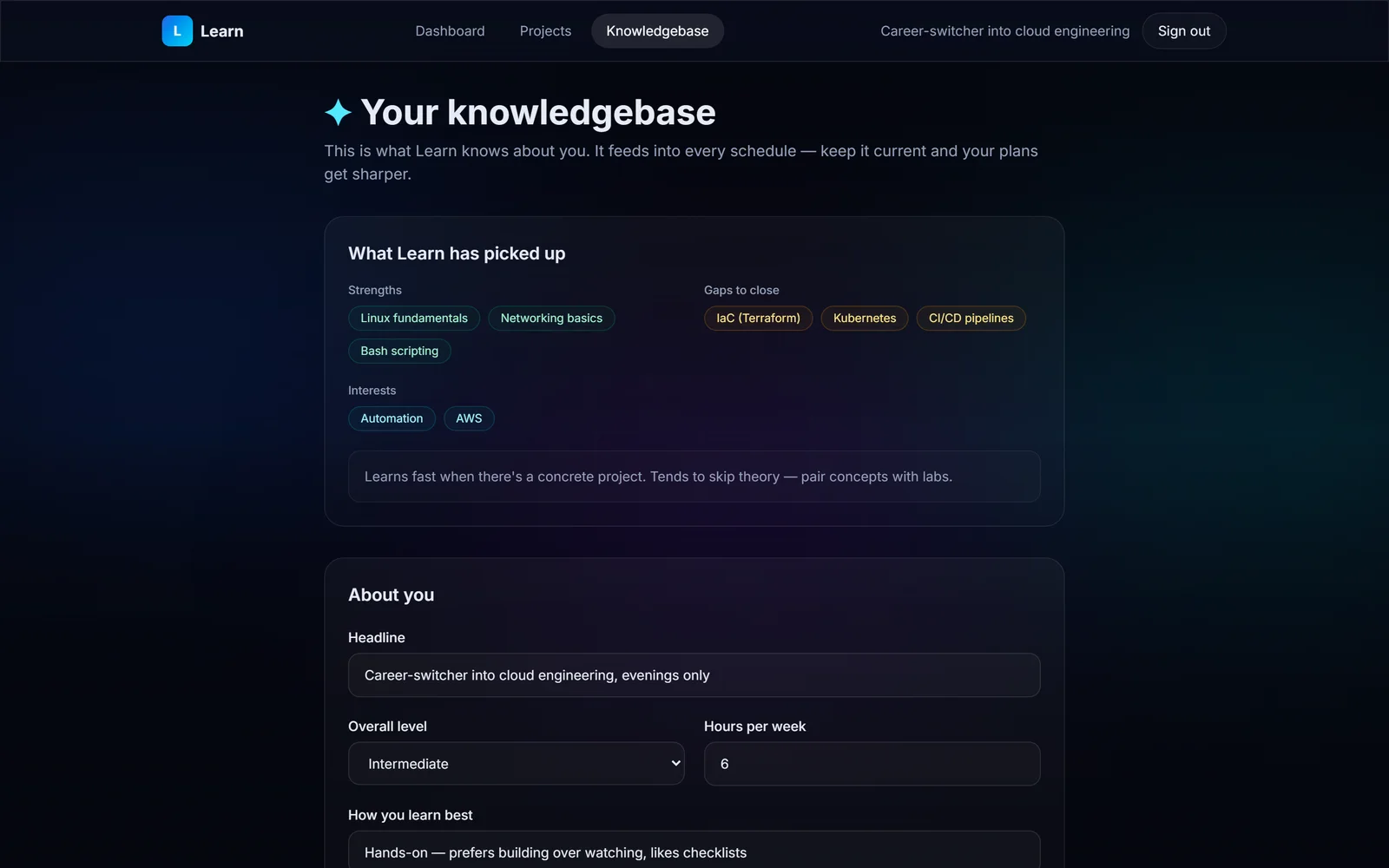
Each learner has a knowledgebase of strengths, gaps, learning style and goals that they can edit. It carries across projects and feeds every new plan, so the second plan starts from more than the first one did.
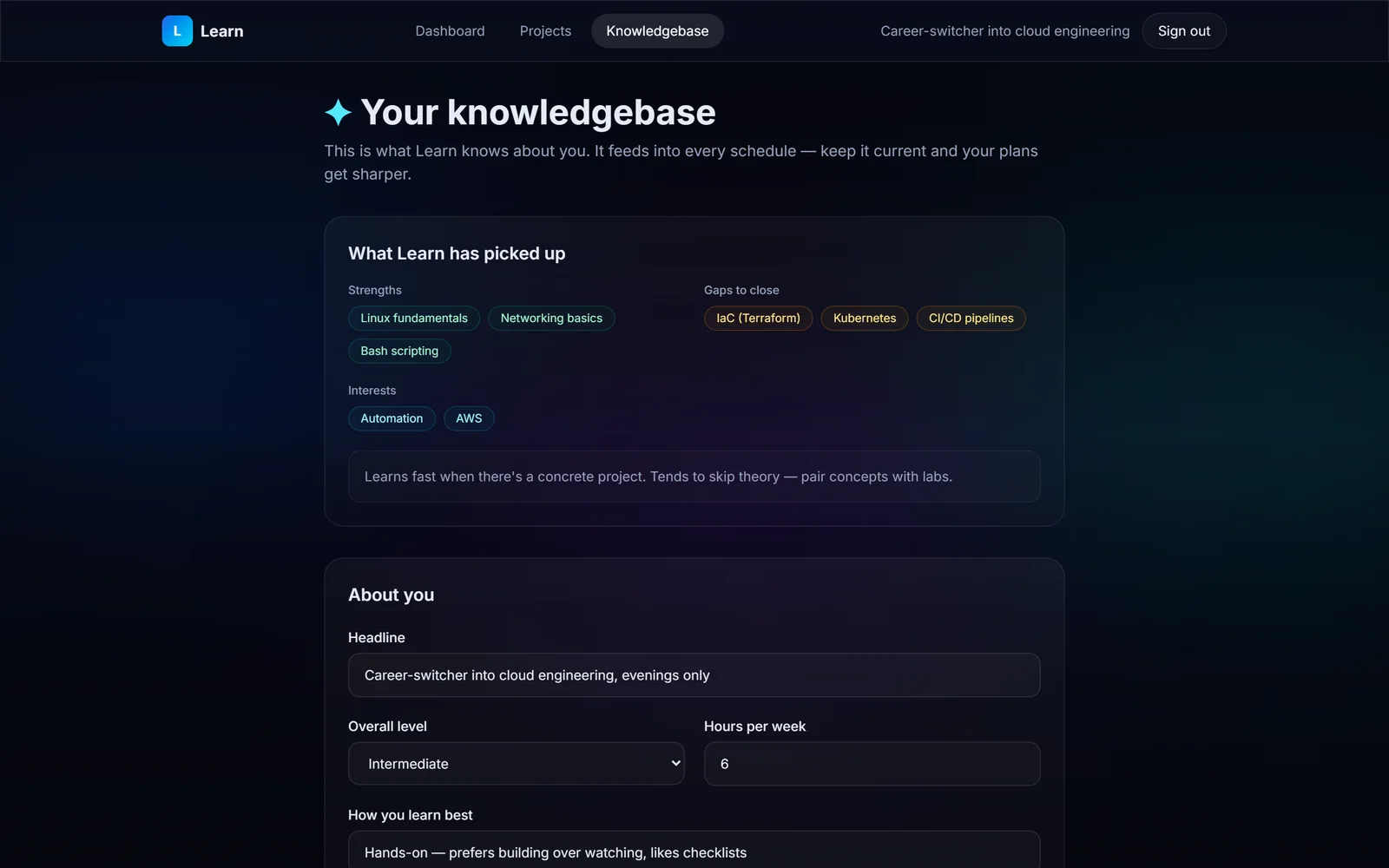
What Learn knows about you carries into every plan. Demo data.View full size: What Learn knows about you carries into every plan. Private by default, demo-able with no setup
I built it on Supabase with Row Level Security, so every row belongs to one user and nobody can read another learner's projects, diagnostics or schedules.
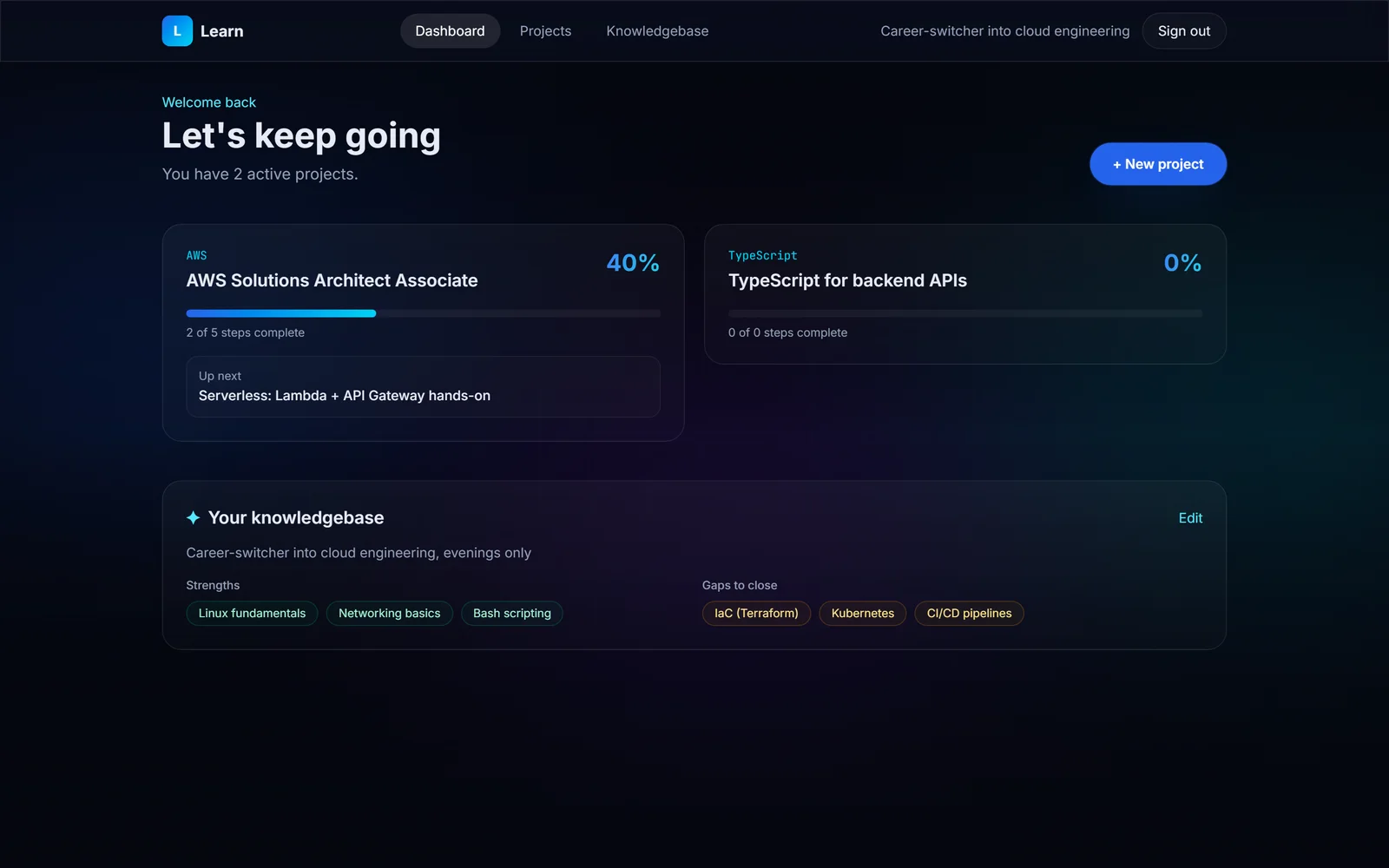
Without backend keys the whole app runs in demo mode on deterministic sample data (a fictional learner studying for an AWS certification), so it can be shown and tested with no setup at all.
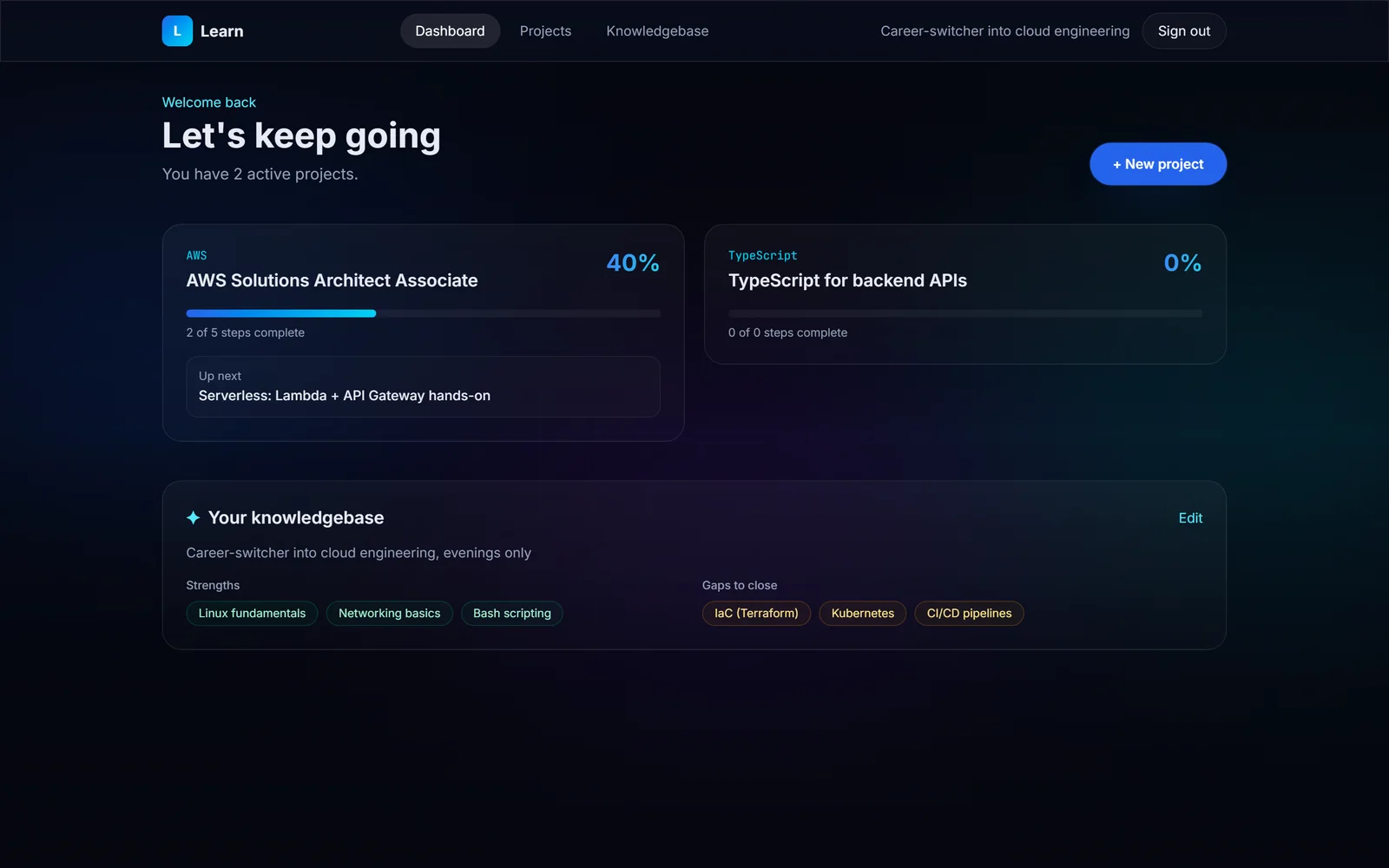
Active projects and progress at a glance. Demo data.View full size: Active projects and progress at a glance.
What shipped
- Scaffolded on 10 June 2026: a marketing landing page, auth, the app shell, a seven-table schema with Row Level Security, and the full create, analyse and generate flow.
- The production build passes (13 routes), and the pages were checked in a browser on desktop and mobile.
- A new-project wizard (goal, deadline, optional curriculum, diagnostic), AI diagnostic analysis, AI schedules, a schedule timeline with steps you can tick off, and an editable knowledgebase.
- Email sign-up and login with per-user data isolation, a mobile layout with a bottom tab bar, and demo mode with a sample project.
Not launched yet. Still to do: run the migration on the production database, set the production environment, regenerate a schedule when a learner falls behind, and update the knowledgebase automatically from progress.
I can build something like this for your business.
Contact meQuestions about this project
How does it decide what I should study first?
It starts with a diagnostic. You describe what you already know, Claude identifies your strengths and gaps, and the schedule begins at the right difficulty instead of at chapter one. Steps build on each other in order.
Can I use my own course or syllabus?
Yes. Paste in a syllabus, exam outline or reading list when you create the project and the schedule covers it. If you don't have one, Learn designs the curriculum from your goal.
What if I only have a few hours a week?
You set a weekly time budget and, if you want, a deadline. Each step has an estimated time and a date, and the plan is paced to fit your hours and finish before your target date.
Can other learners see my plans?
No. Every project, diagnostic and schedule belongs to your account, and Row Level Security in the database blocks anyone else from reading them.
Does the plan adjust as I go?
Partly, for now. Your knowledgebase carries what Learn knows about you into every new plan. Automatically regenerating a schedule when you fall behind is the next piece I'm building, and it isn't live yet.
Could you build something like this for training staff?
Yes, though Learn today is built for individuals, with no organisation layer. Adapting it for a team would mean adding organisations, manager views and your own training material as the curriculum. I'd scope that after a discovery session.
Want AI that plans around real constraints?
Training plans, onboarding paths or study schedules: I build AI tools that start from what people already know and the time they actually have.
Related case studies
All work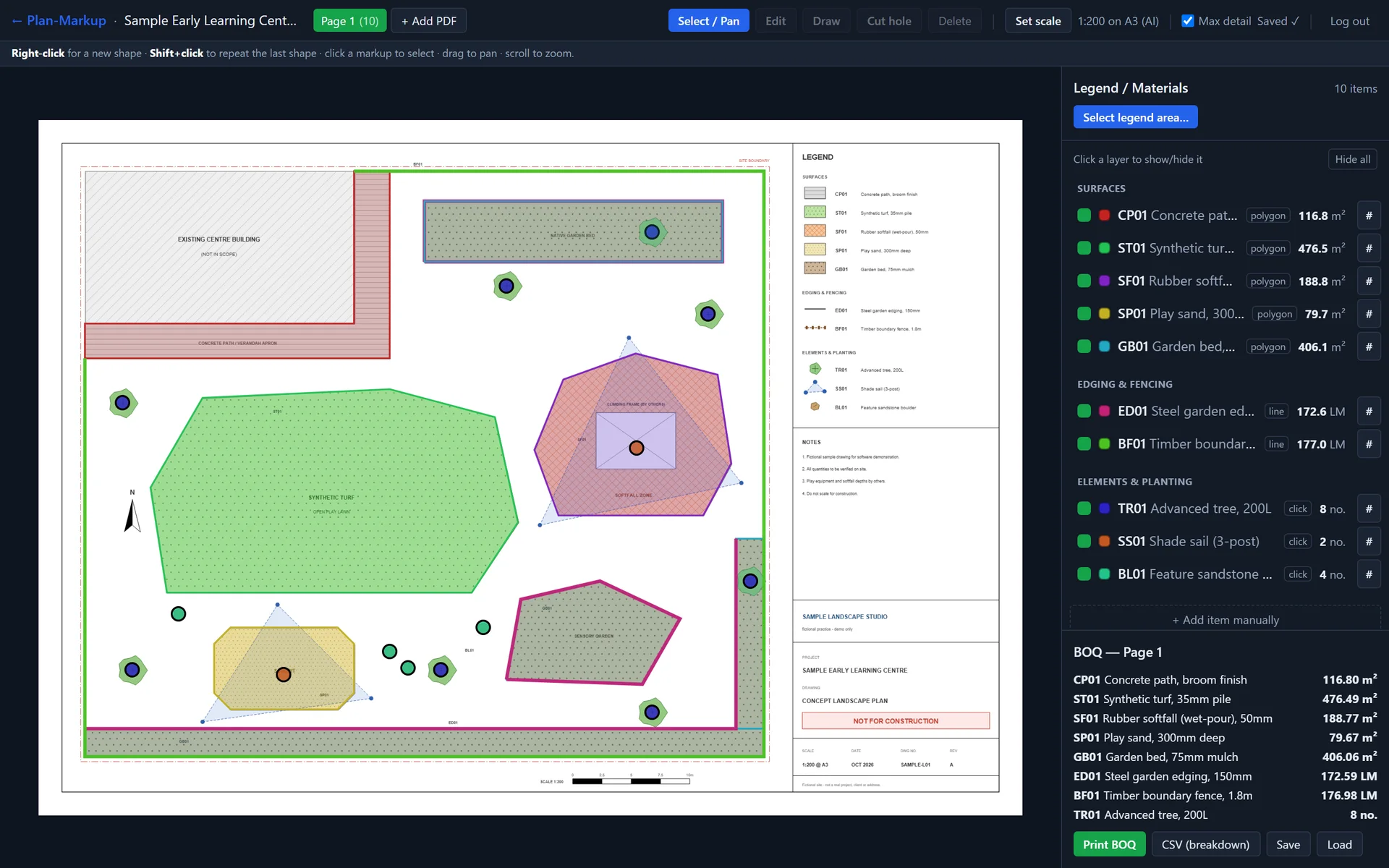
- My own product
- In development
Landscape & construction estimating
Plan-Markup
An AI takeoff tool that reads a plan's legend and scale, so estimators only have to trace
- 6.4× faster tile renders
- Area, length and count
- My own product
- Internal tool
AI operations & automation · Gold Coast & Brisbane
Consulate
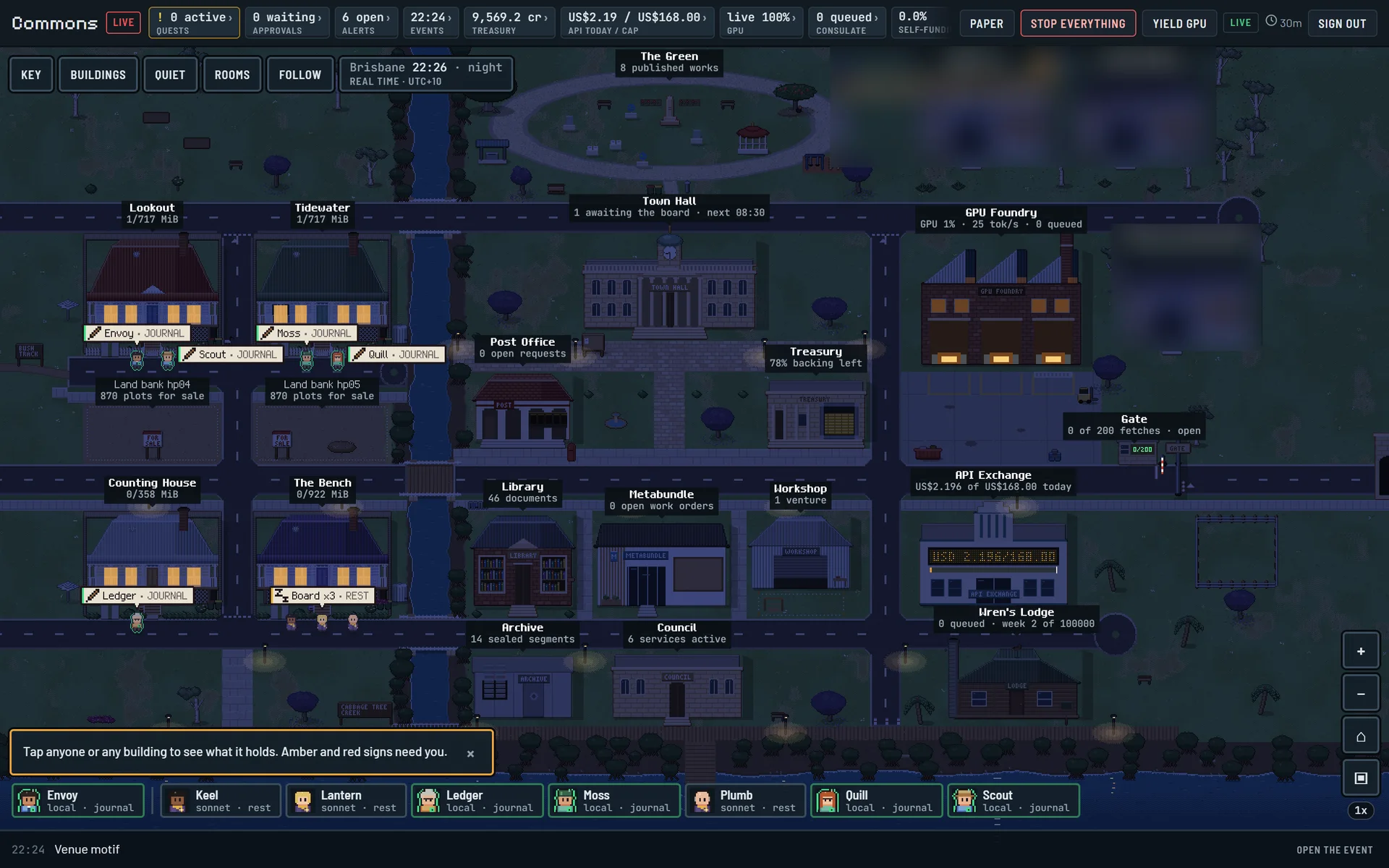
Consulate: an AI agent town that asks before it acts
Client details redacted
- Human sign-off on every outbound item