Construction & trade services · Australia (online) · 2026
- My own product
- In development
A multi-tenant CRM where every trades business only ever sees its own data
A CRM that any construction or service business can sign up to, keeping contacts, projects, quotes and tasks in one place, with each company's data walled off by the database itself.
This is my own product, not a client engagement.
It's in development. Screenshots show its demo mode with a fictional landscaping business.
- Product
- Field Service CRM (my own)
- Industry
- Construction & trade services
- Location
- Australia (online)
- My role
- Product design and build
- Year
- 2026
- Status
- In development
By Joshua Jager-Hoare · Updated
The brief
I wanted a simple, mobile-friendly CRM that many small trades and construction businesses could share as one product, where each company only ever sees its own data. The big field-service platforms are built for larger firms and priced to match.
Sharing one product between many companies means the security has to live in the database, not just in the app. And this is a product, not a one-off build: it's different from the operations platform I built for a single remedial building company, which is bespoke, runs on that company's own server and automates its workflow with AI.
What I built, and why
Four records, linked the way trades work
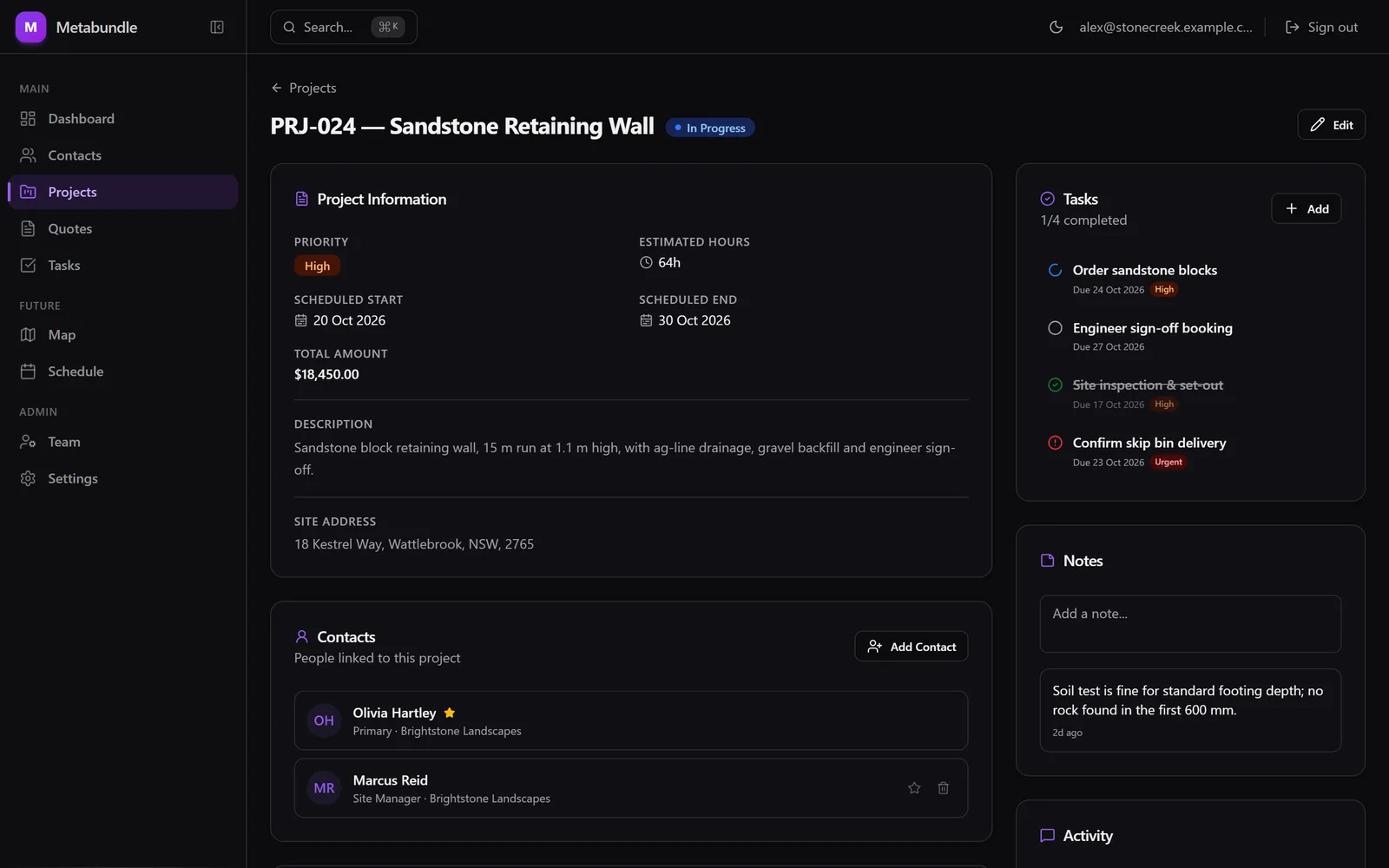
I designed the data model around four entities. Contacts exist on their own and can be linked to many projects with a role, such as site manager or accounts. Every project has a primary contact, quotes belong to a project and are addressed to a specific contact, and tasks are assigned to team members.
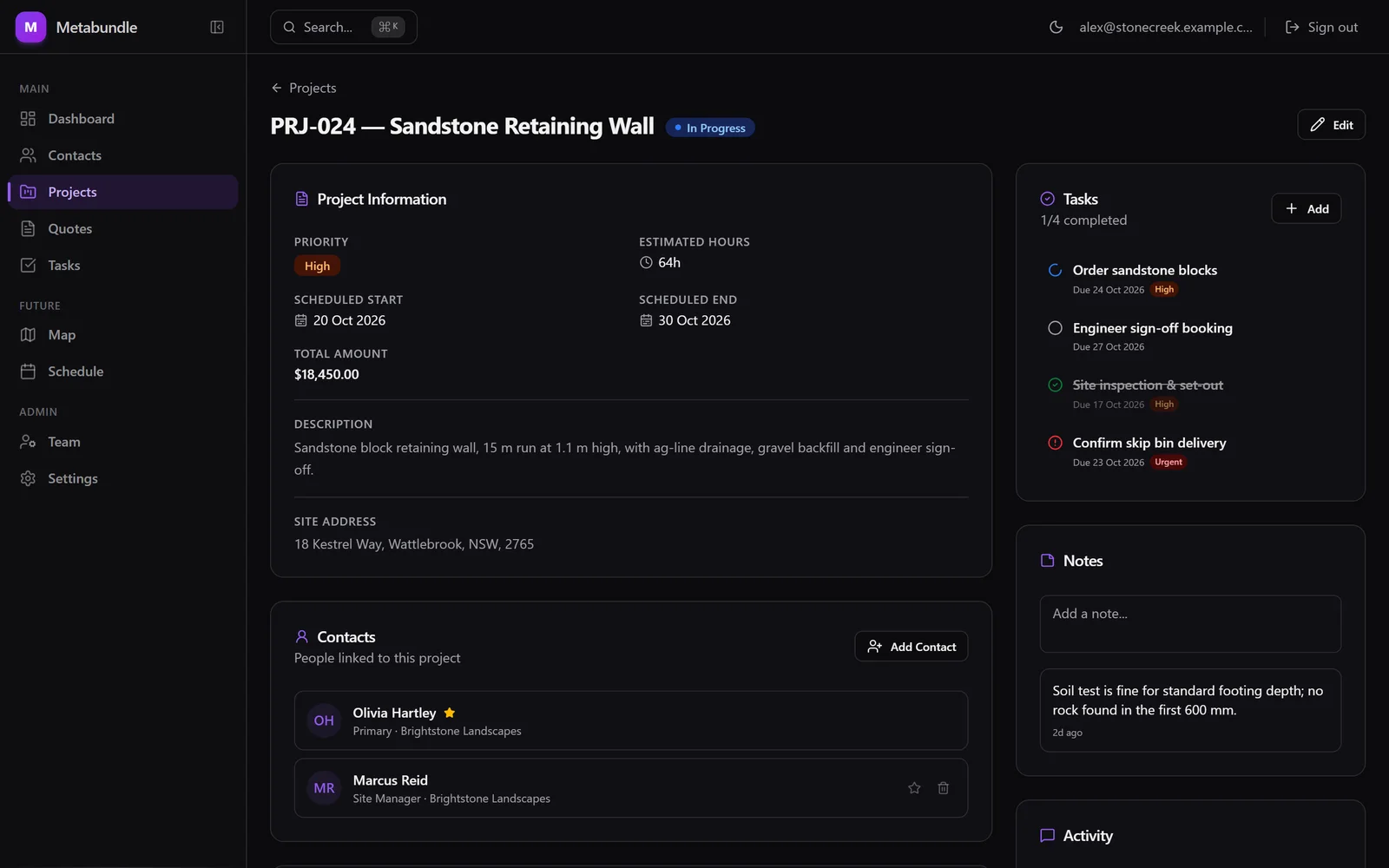
A project with its contacts, tasks and notes in one place. Fictional demo data: every name, address and figure is invented.View full size: A project with its contacts, tasks and notes in one place. Isolation enforced by the database
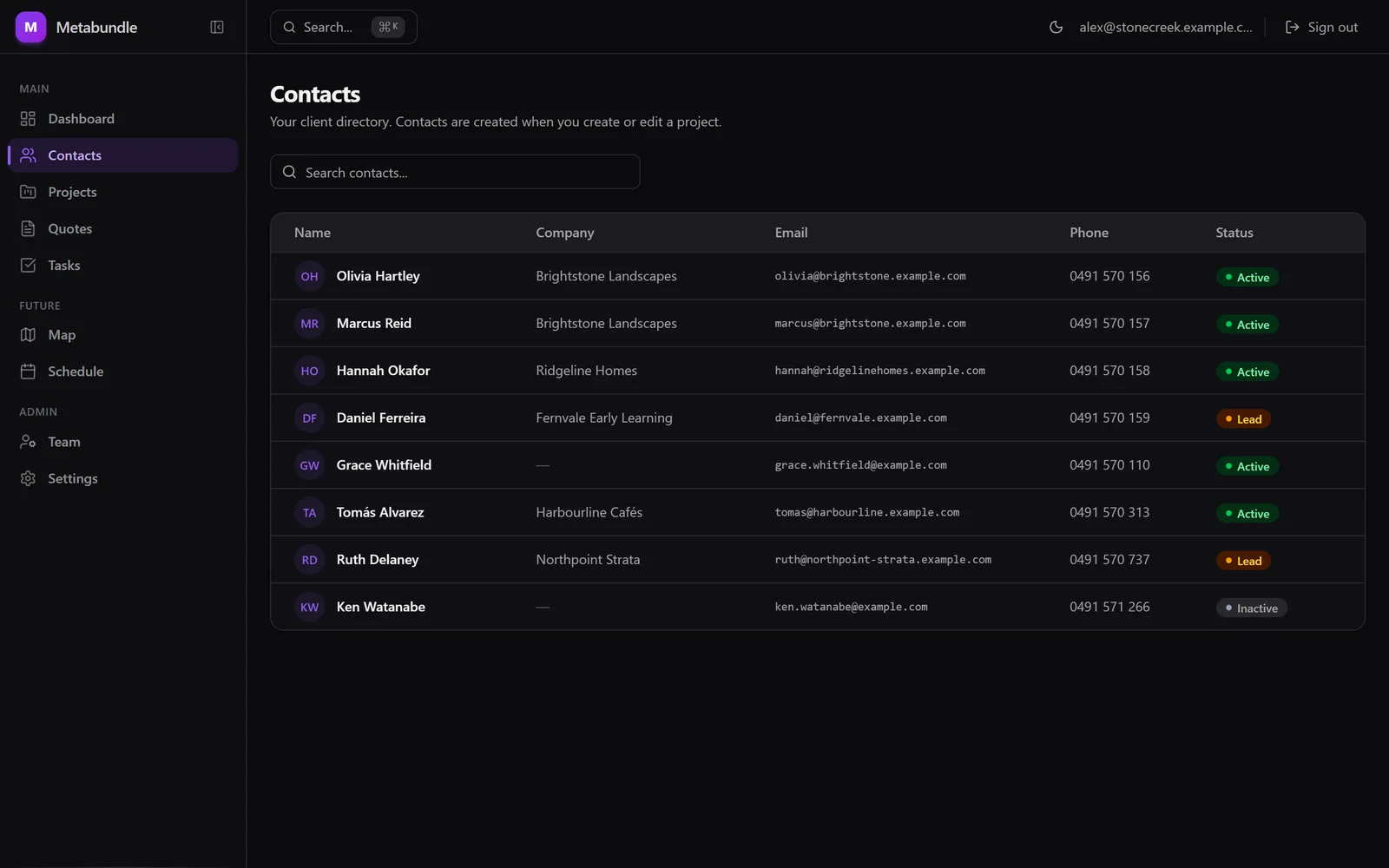
Tenant isolation uses Postgres Row Level Security in Supabase across 14 migrations, so a query from one company physically can't return another company's rows. Creating and joining an organisation are handled by database functions.
That means the app doesn't depend on every single query getting its filters right.
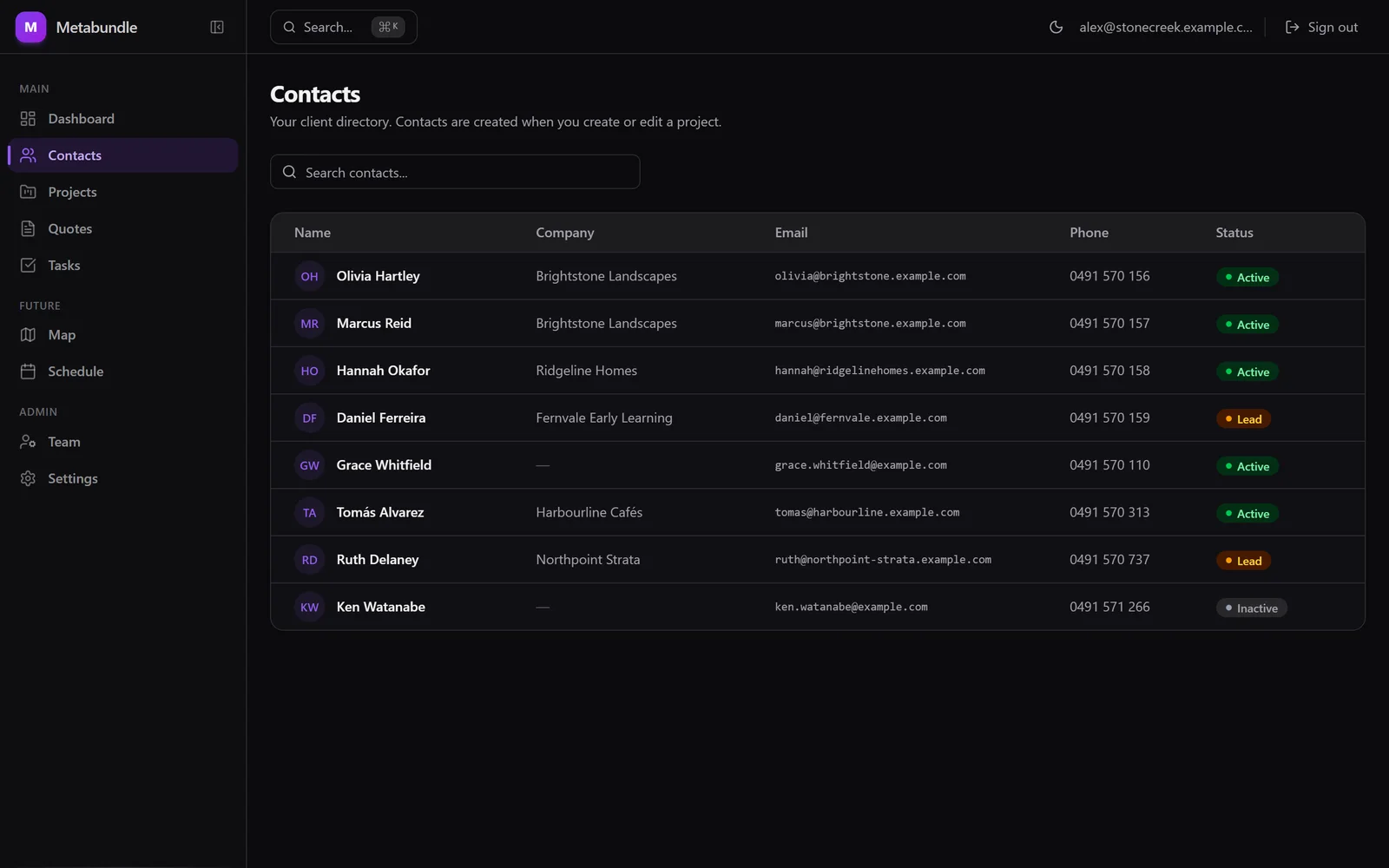
One organisation's contacts. The database won't return another organisation's. Fictional demo data: every name, address and figure is invented.View full size: One organisation's contacts. The database won't return another organisation's. Teams that join with a code
Sign-in is Google OAuth. A new user creates an organisation, or joins one with an invite code issued by an admin, and tasks can then be assigned to anyone on the team. The project activity log shows who created each record.
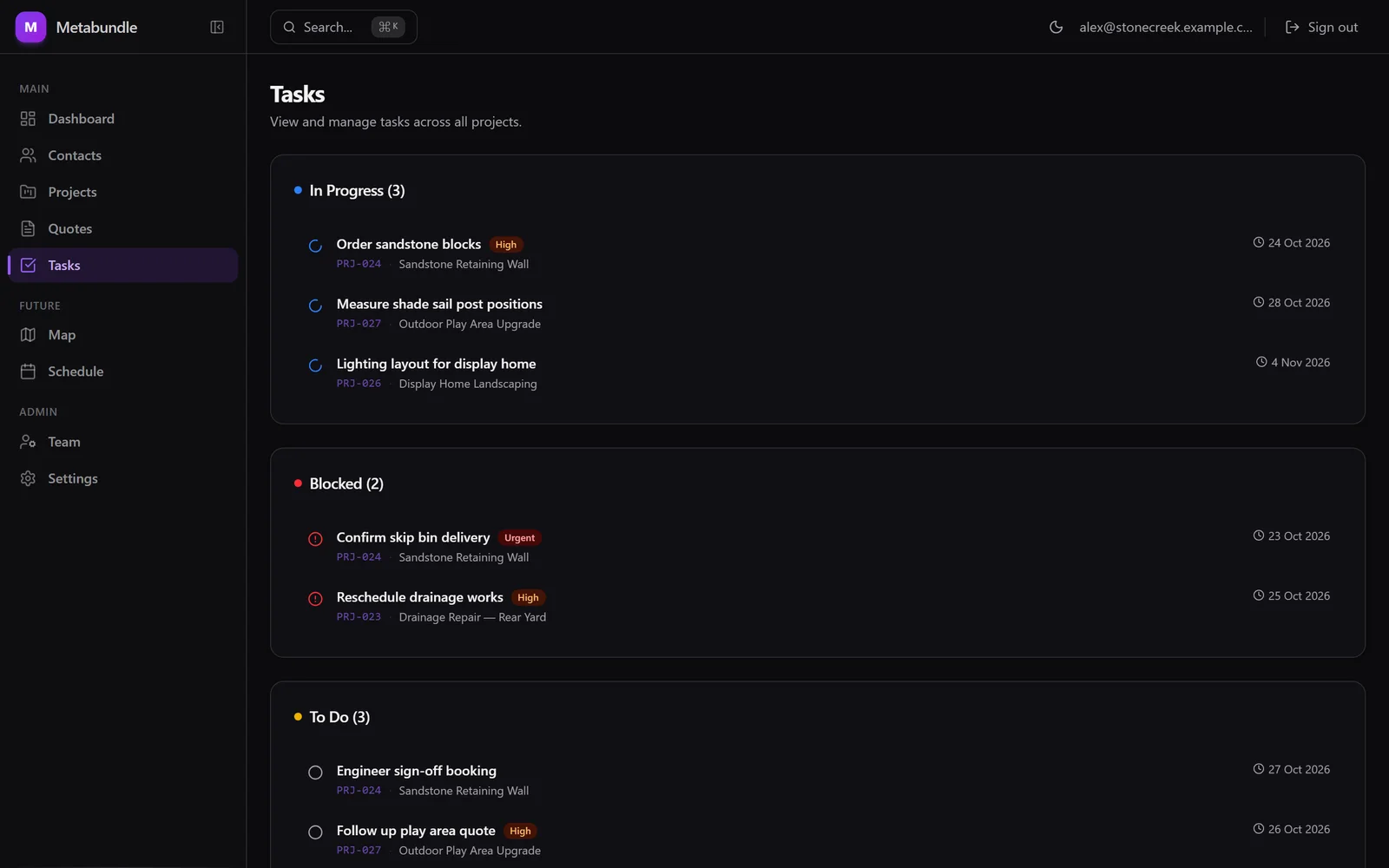
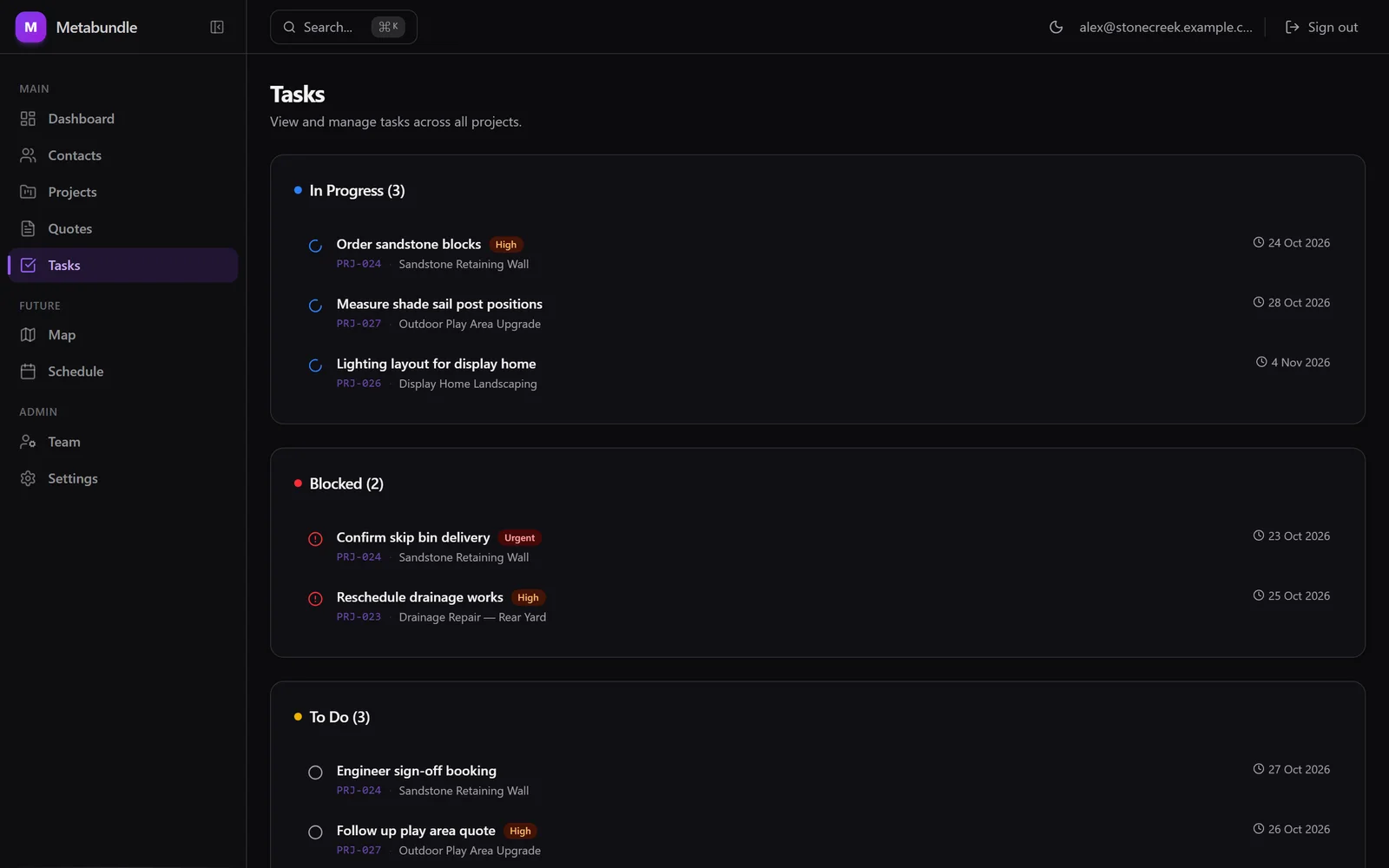
Tasks grouped by status, with priorities and due dates. Fictional demo data: every name, address and figure is invented.View full size: Tasks grouped by status, with priorities and due dates. GST quotes, validated on the server
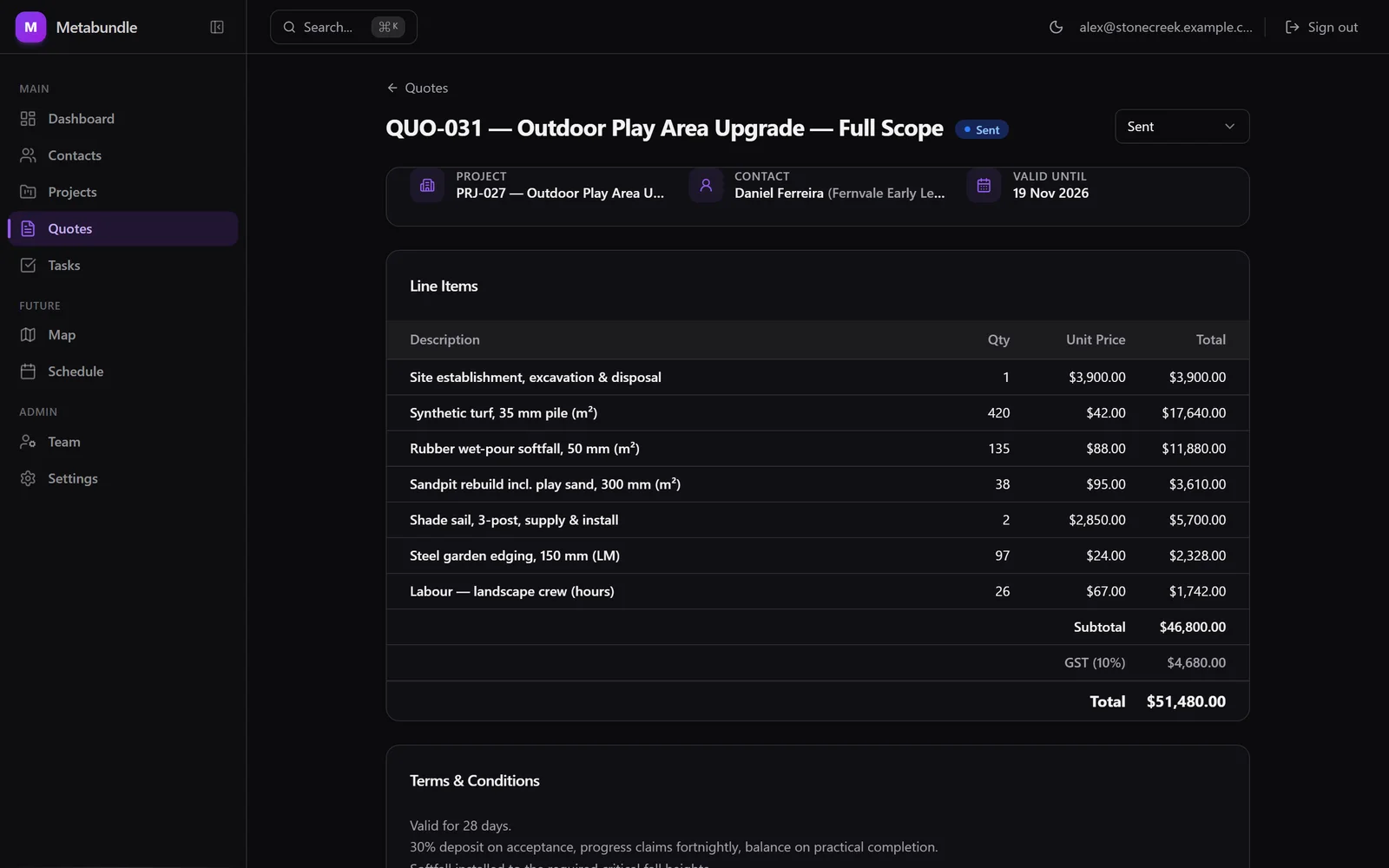
Quotes have line items, GST calculation, terms and automatic numbering, and move from draft to sent, then accepted or declined. Every write goes through a server action validated with Zod.
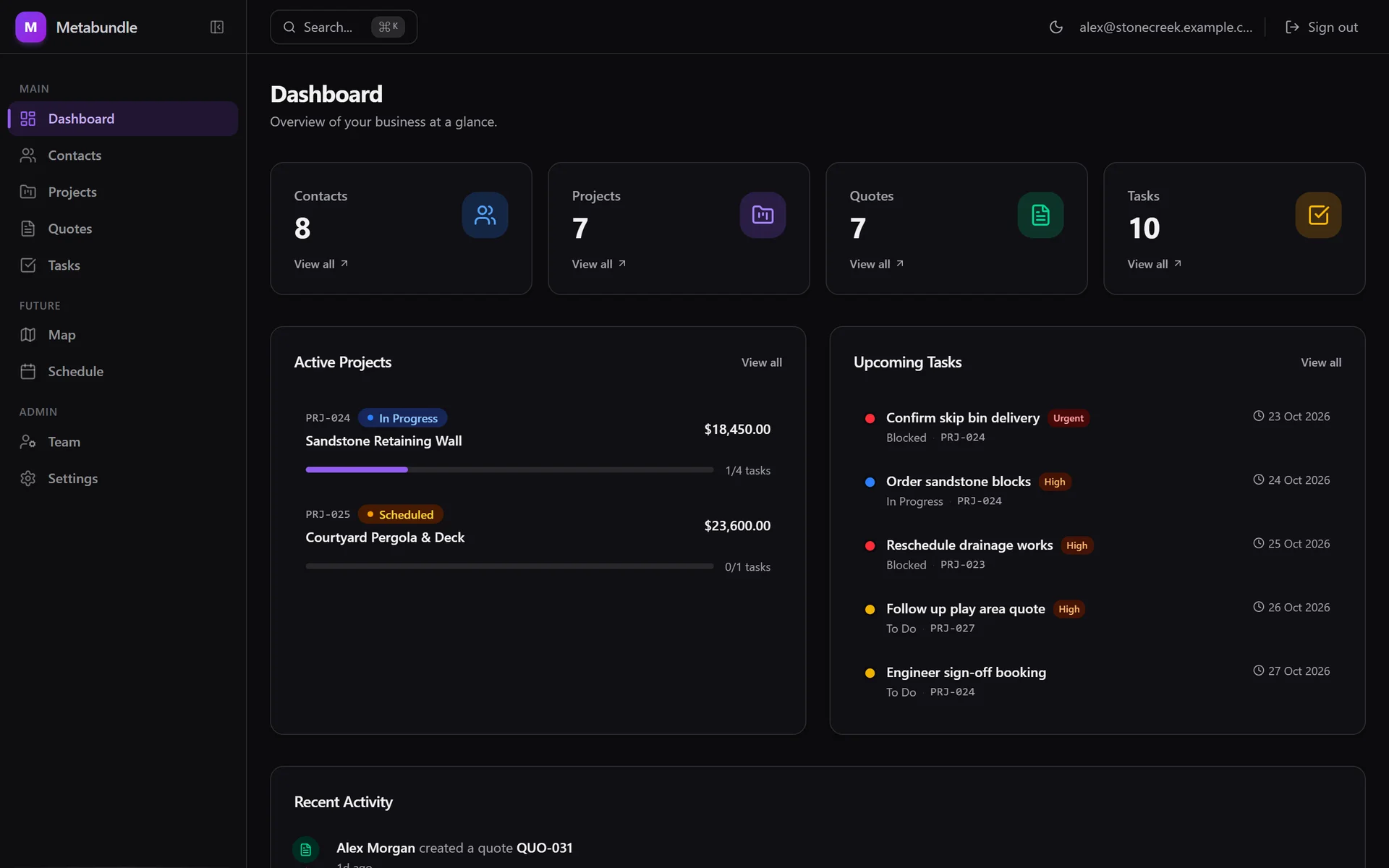
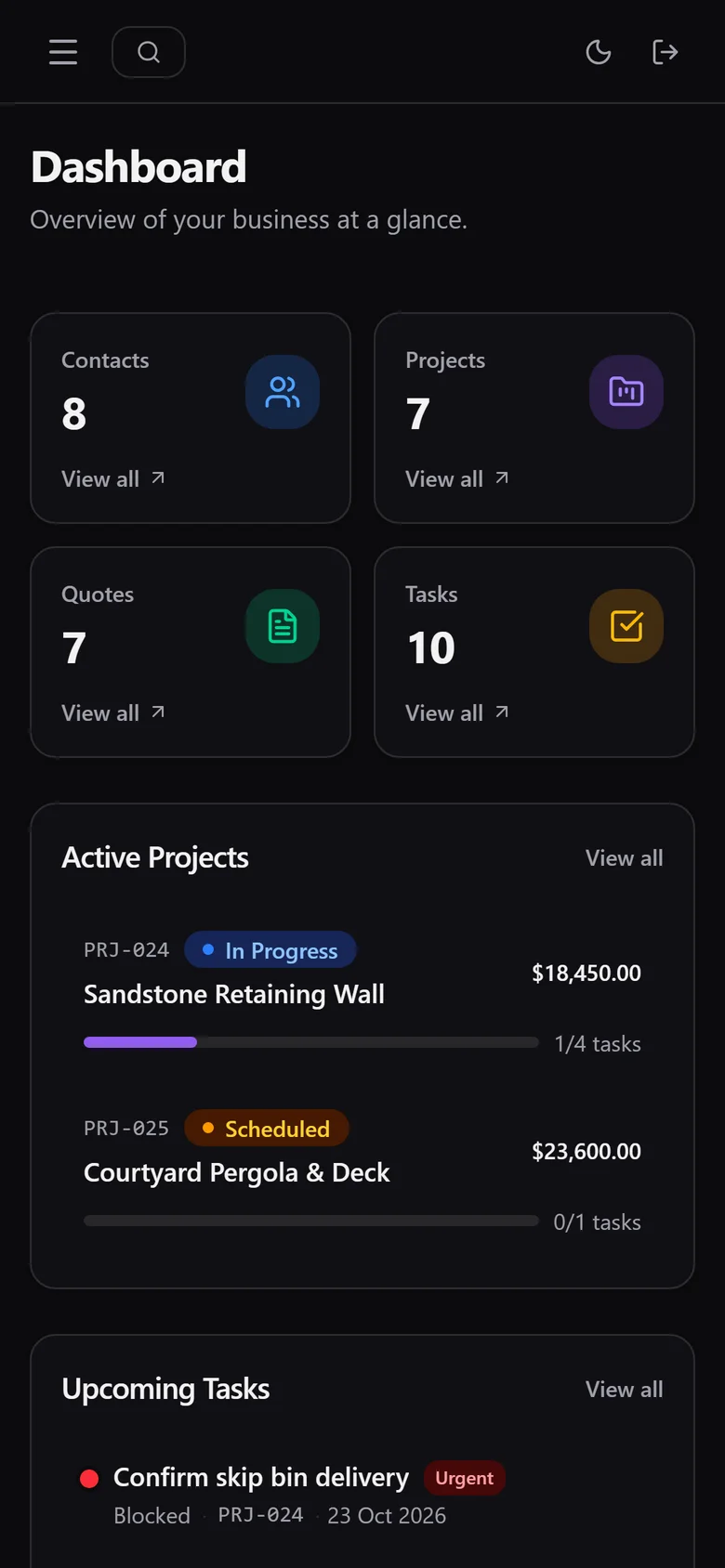
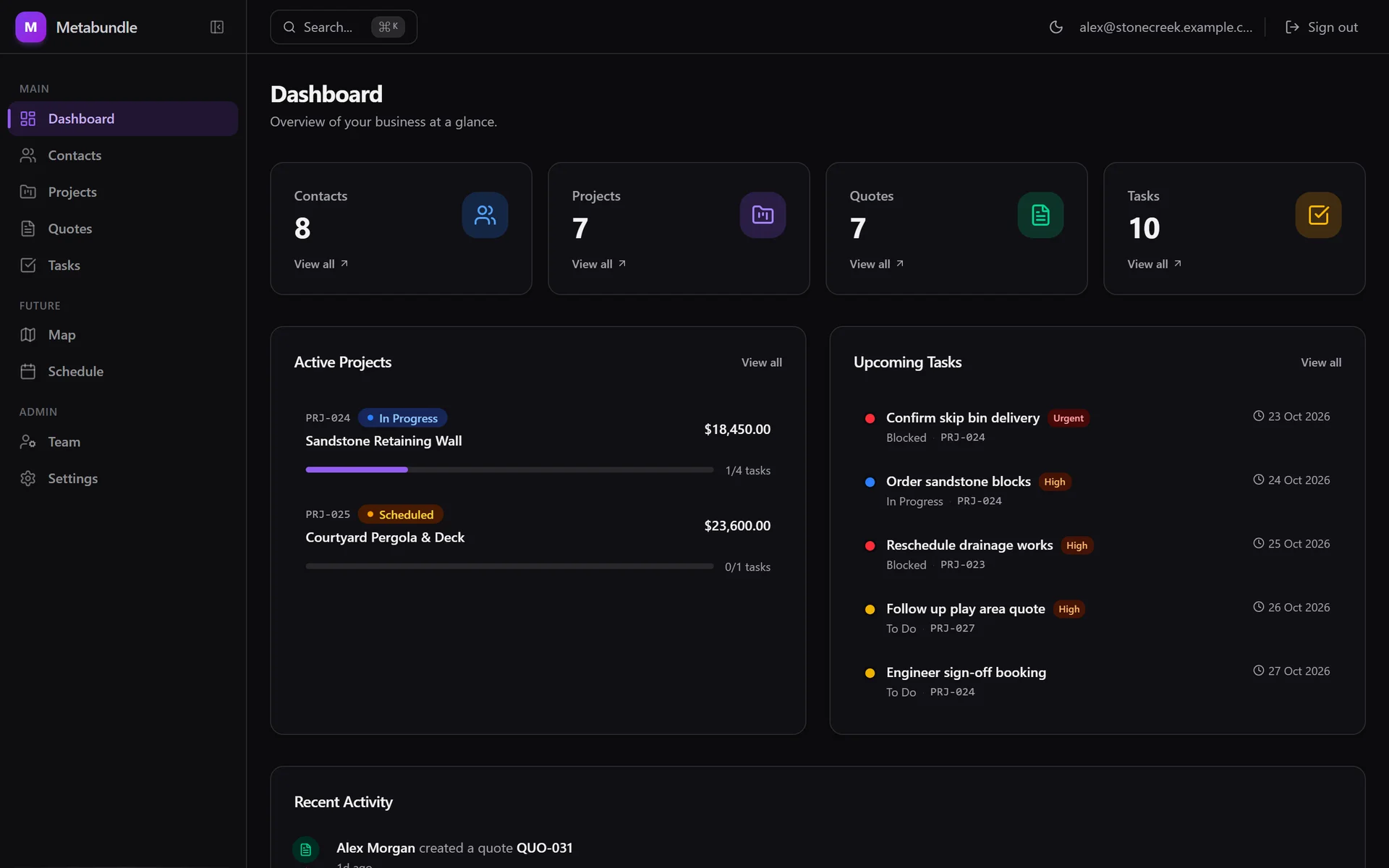
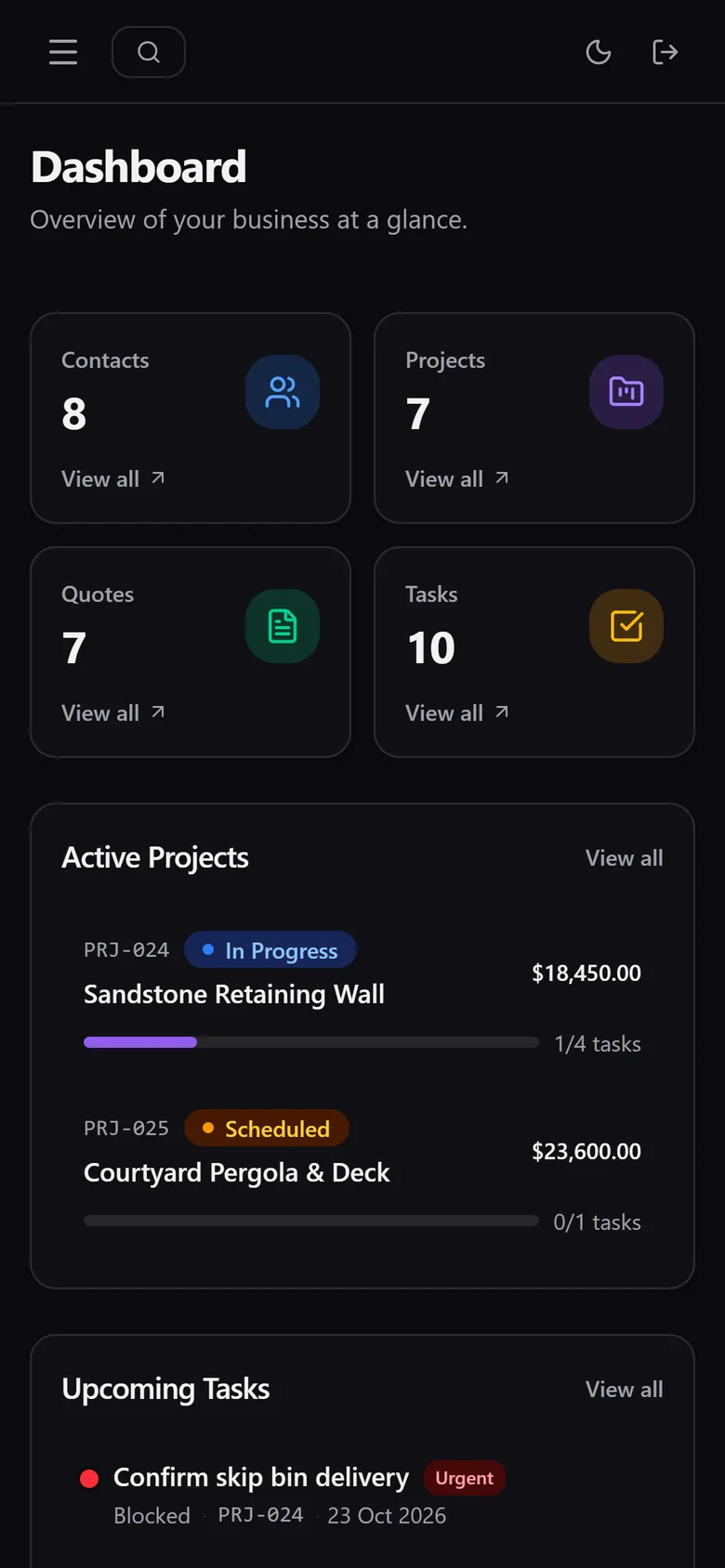
The dashboard uses shadcn/ui with mobile and desktop layouts on every page, form inputs that don't make the phone zoom in, a Cmd+K command palette and dark and light themes. A demo mode runs on seeded in-memory data when there's no database, so the whole app can be clicked through without an account.
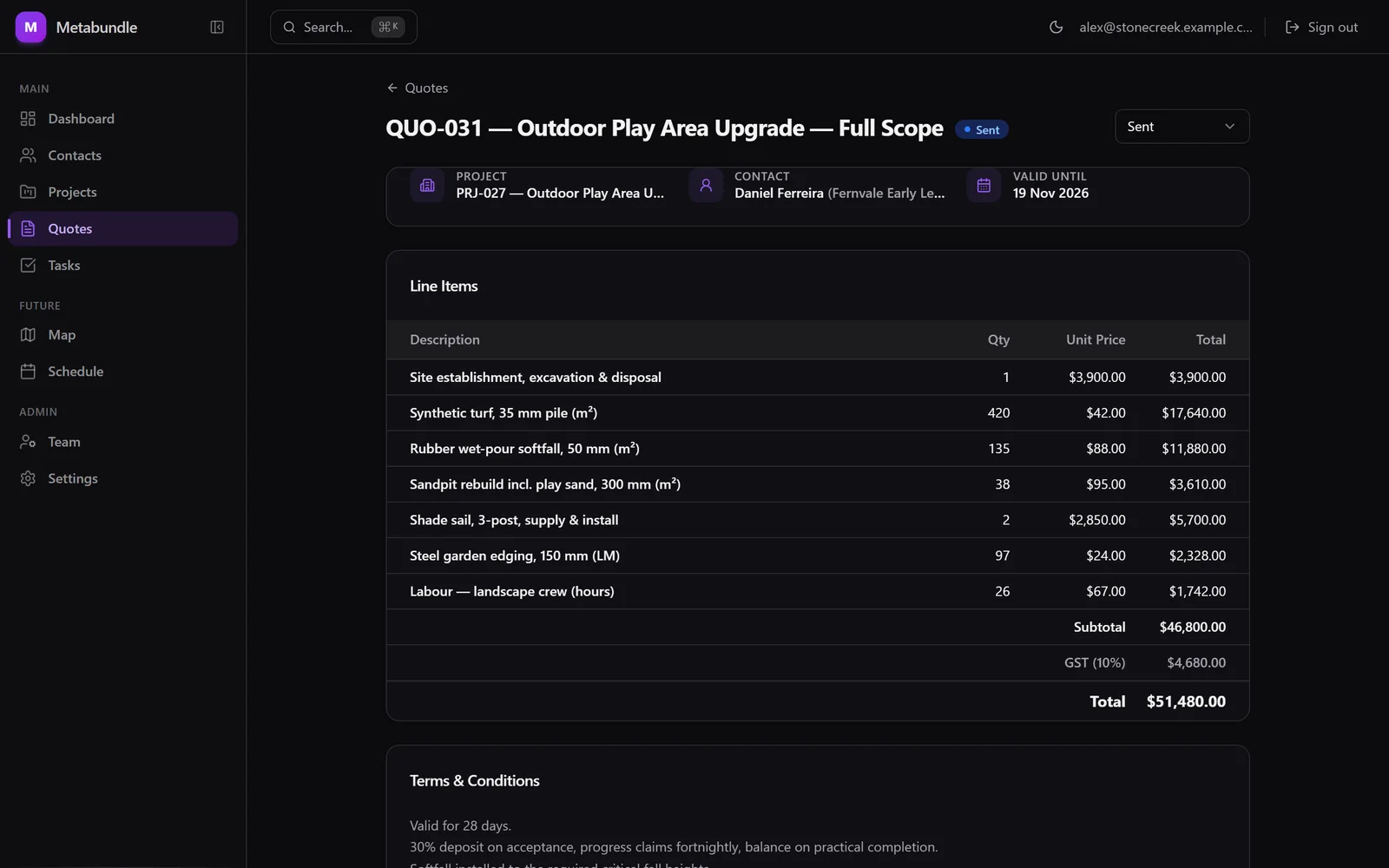
Line items, GST and terms on a quote. Fictional demo data: every name, address and figure is invented.View full size: Line items, GST and terms on a quote. An honest audit, published in the README
I audited the build and published the gaps in the README. One finding was that edits on the detail pages weren't being saved in live mode; I fixed it, and added a user-profile table so team members show by name rather than by ID.
What shipped
- Built in February 2026: 57 commits from 7 to 16 February.
- 14 database migrations covering tenants, contacts, projects, quotes, tasks, notes, attachments, activity and user profiles.
- Organisations with invite codes and admin roles; contacts linked to many projects with roles and a primary contact; projects with status, priority, address and an activity log.
- Quotes with line items, GST calculation, terms and automatic numbering, moving from draft to sent, then accepted or declined.
- Tasks with assignee, priority and due date, grouped by status, plus notes on contacts and projects.
Still open, and stated plainly: no pagination yet (each tenant's data loads in one go), the Map and Schedule views are placeholders, and file uploads have storage and policies in place but no upload screen.
I can build something like this for your business.
Contact meQuestions about this project
What's the difference between a shared CRM and a custom-built system?
This CRM is one shared product: you sign up, create your organisation and start adding contacts, projects and quotes. A custom system is built around one company's exact workflow and integrations. I build both. If your process is fairly standard, a shared CRM is cheaper and faster to start with.
Can several businesses use the same CRM without seeing each other's data?
Yes. Every row belongs to one organisation, and the database enforces it with Row Level Security. It refuses to return another organisation's contacts or quotes, so the app doesn't depend on every single query getting its filters right.
Can I write quotes with line items and GST?
Yes. Quotes have line items, GST calculation, terms and automatic numbering, and each one is linked to a project and addressed to a specific contact. You can move a quote from draft to sent, then accepted or declined.
Does it work on a phone at a job site?
Yes. Every page has a mobile layout, and form inputs are set up so the phone doesn't zoom in while you type. It's a website, so there's nothing to install.
How do I add my team?
An admin generates an invite code and your team signs in with their Google accounts, then joins your organisation with that code. Tasks can be assigned to anyone on the team, and the project activity log shows who created each record.
Is the CRM ready for my business today?
Not quite, and I'd rather say so. The core records work, but pagination, the schedule and map views and file uploads are still to come. If you need those now, talk to me about a pilot or a custom build instead.
Want a CRM that fits how your team works?
Shared product or custom build: I'll tell you honestly which suits your business, then build it with your data properly isolated.
Related case studies
All work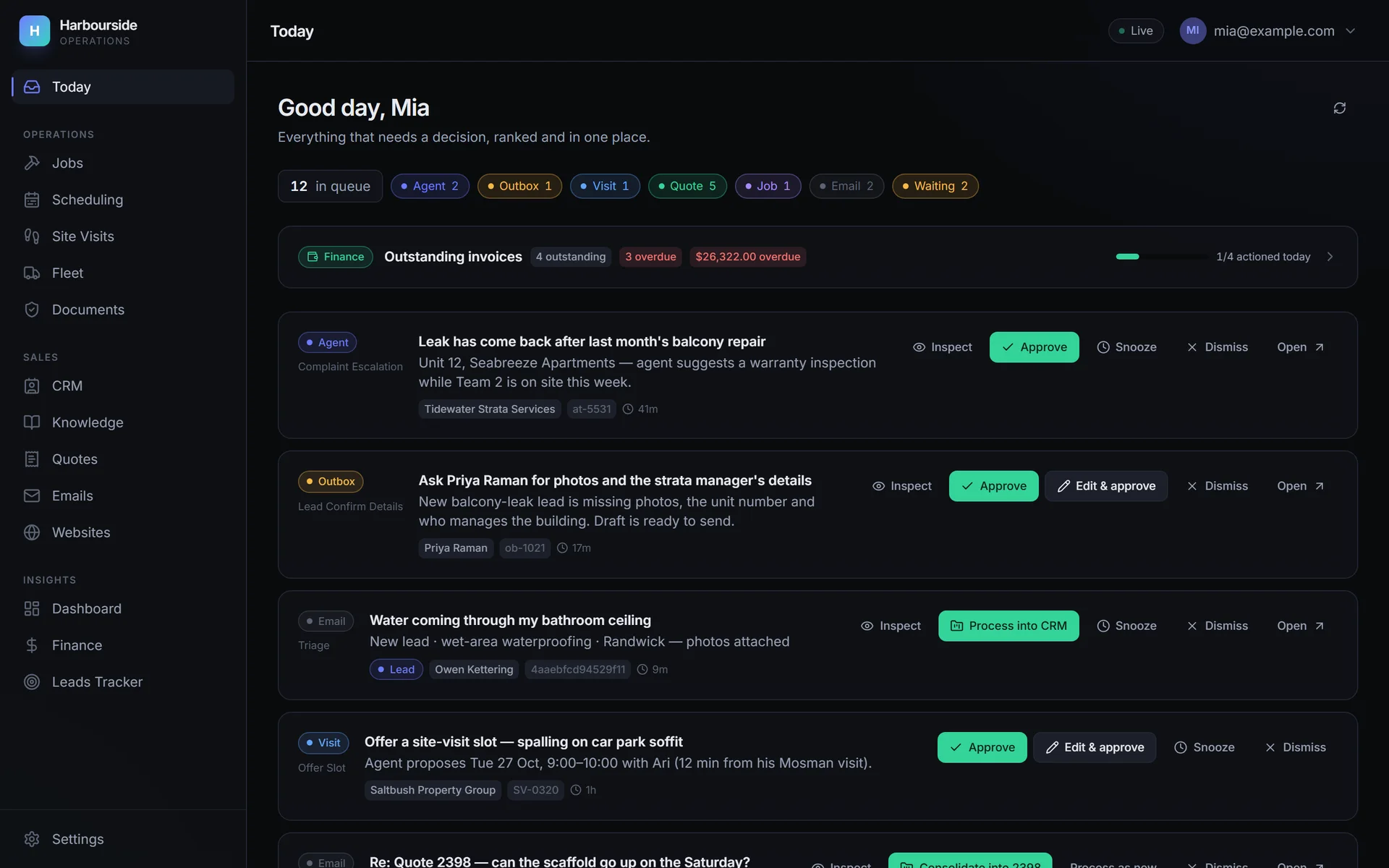
- Confidential: demo data
- Internal tool
Remedial building & waterproofing · Australia
Remedial building operations platform
One daily action queue for a remedial builder's leads, quotes, crews and vans, with AI doing the drafting
Client anonymised · fictional demo data
- 129 items surfaced on first run
- My own product
- Internal tool
Data analytics · Gold Coast & Brisbane
Quantitative Dashboard
A quantitative pipeline over historical event-market data: ingestion, modelling, calibration and monitoring
- ~1 event per second ingest
- 1.77 GB archives, streamed